First Drive
Connecting to the robot
APStep 1 — Power on
Flip the switch to ON. You should hear a startup tune played through the motors — that confirms the firmware is running.
WiFiStep 2 — Join the network
On your phone, tablet or laptop, connect to the WiFi network named:
MootBot_xxxxxx
where xxxxxx is a unique identifier for your board.
If your board has a qr code you can scan it to connect as well.
Your device may warn that the network has no internet access. Choose Stay Connected or Use This Network Anyway — the robot is a local access point, not an internet gateway.
HTTPStep 3 — Open the browser
In your browser, navigate to:
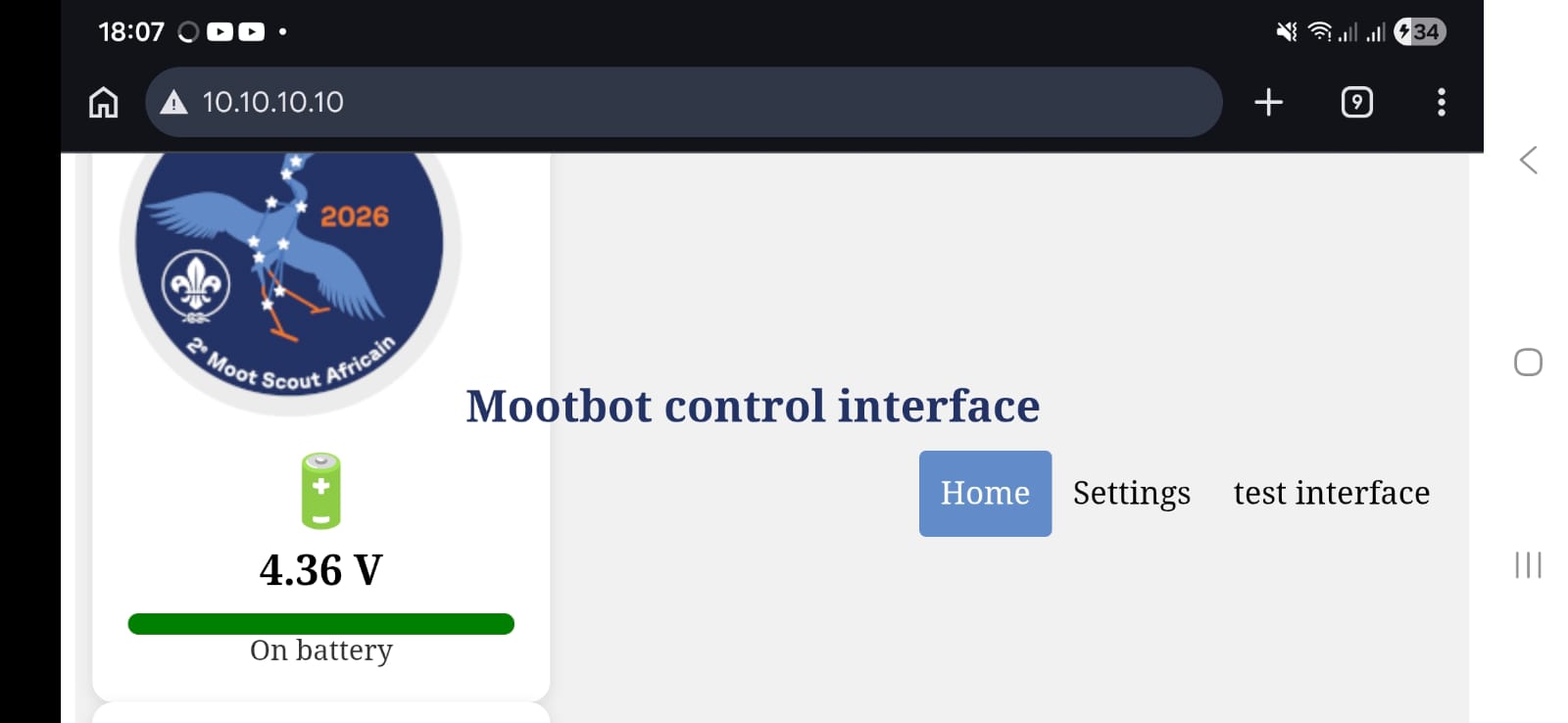
GET localhost:10.10.10.10You should see the robot's home page:
Driving the robot
From the home page, open controller.html. The default control interface lets you drive both motors and move the servo.
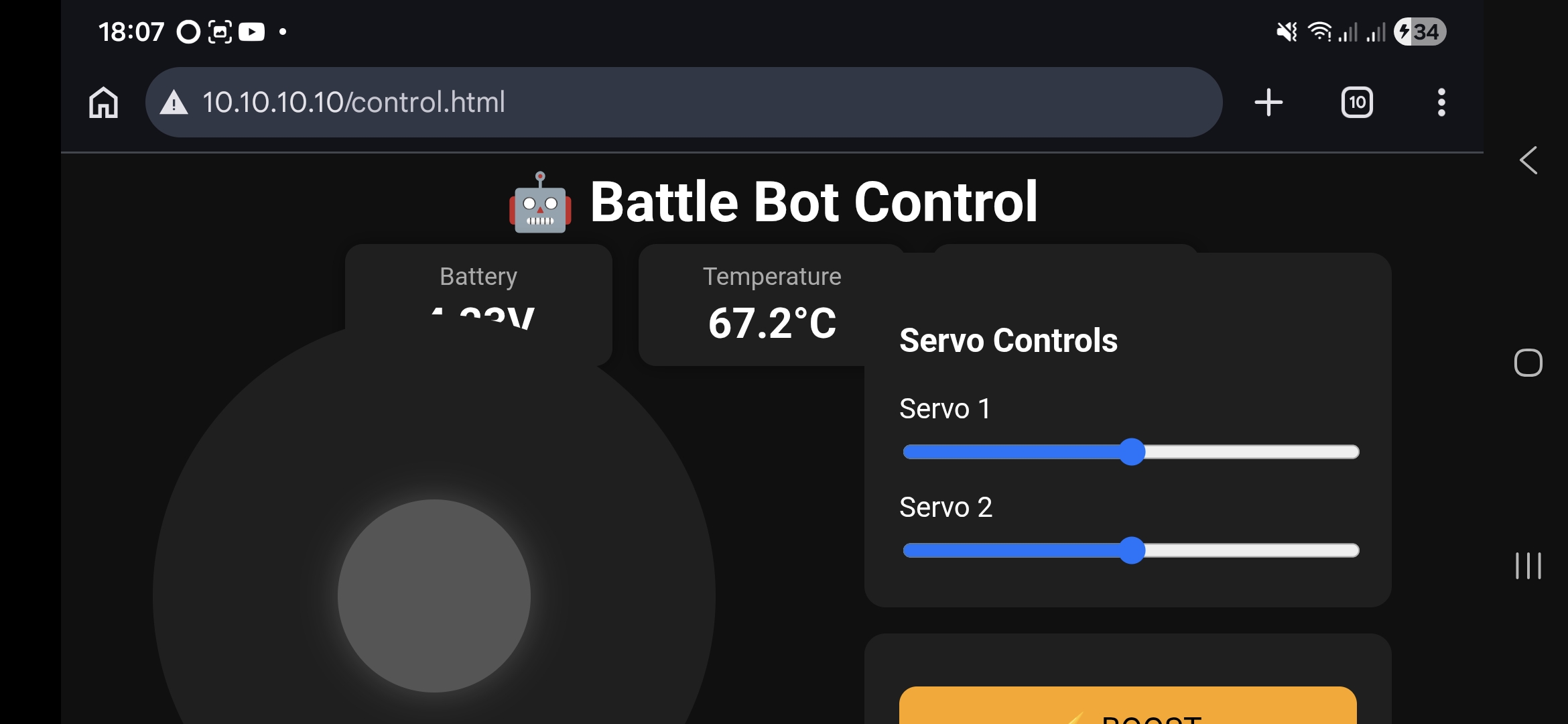
That's it — you're driving. Steer with the on-screen controls, check that both motors respond, and confirm the servo swings.
Want to build your own controls? See Customisation.